Discord bot guides
Step by step guides for making your own Discord bot. Every one works on the free plan unless it says otherwise.
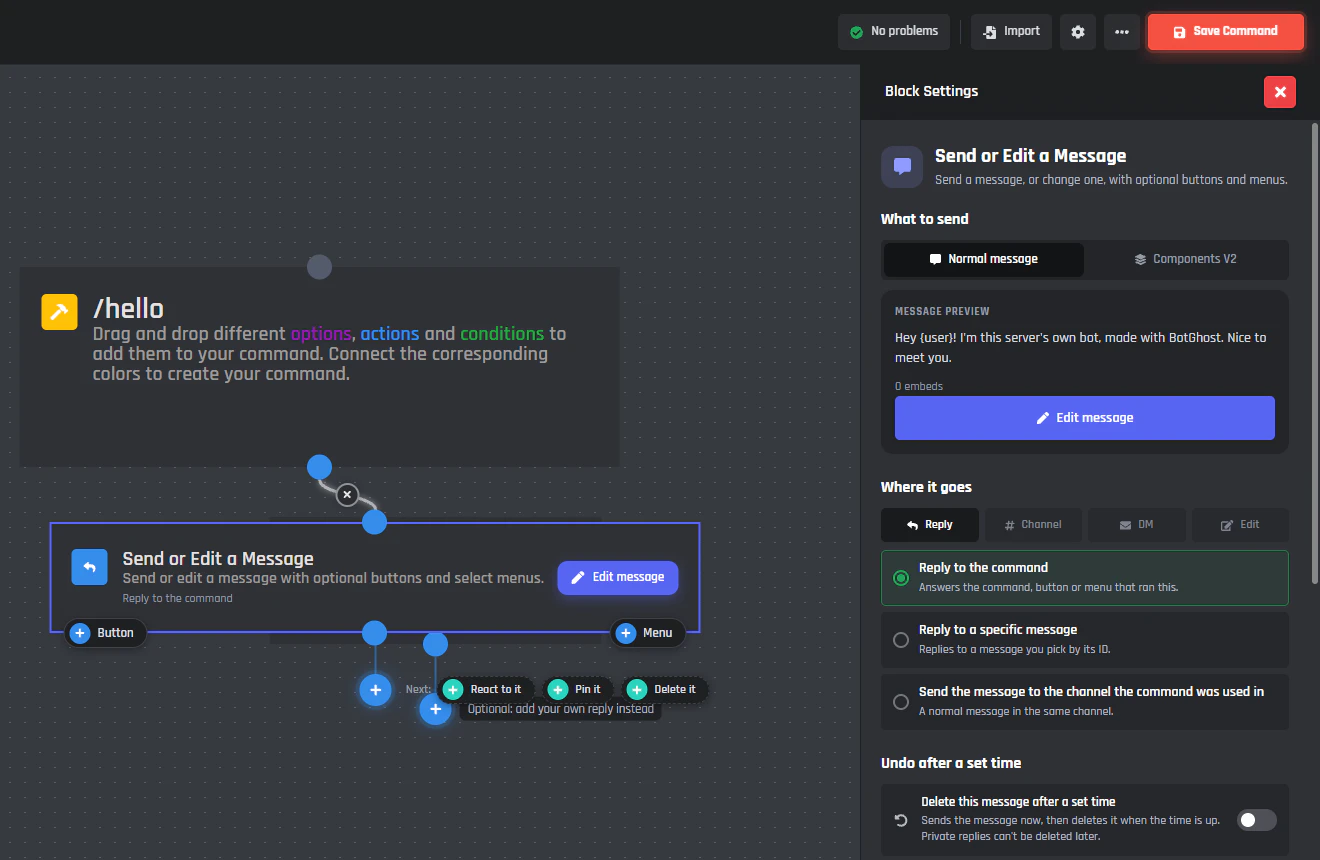
How to make a Discord bot without coding
Create a bot on Discord, add it to your server, and set it up to welcome members, run tickets, and answer a /hello command.12 minute readUpdated 4 November 2026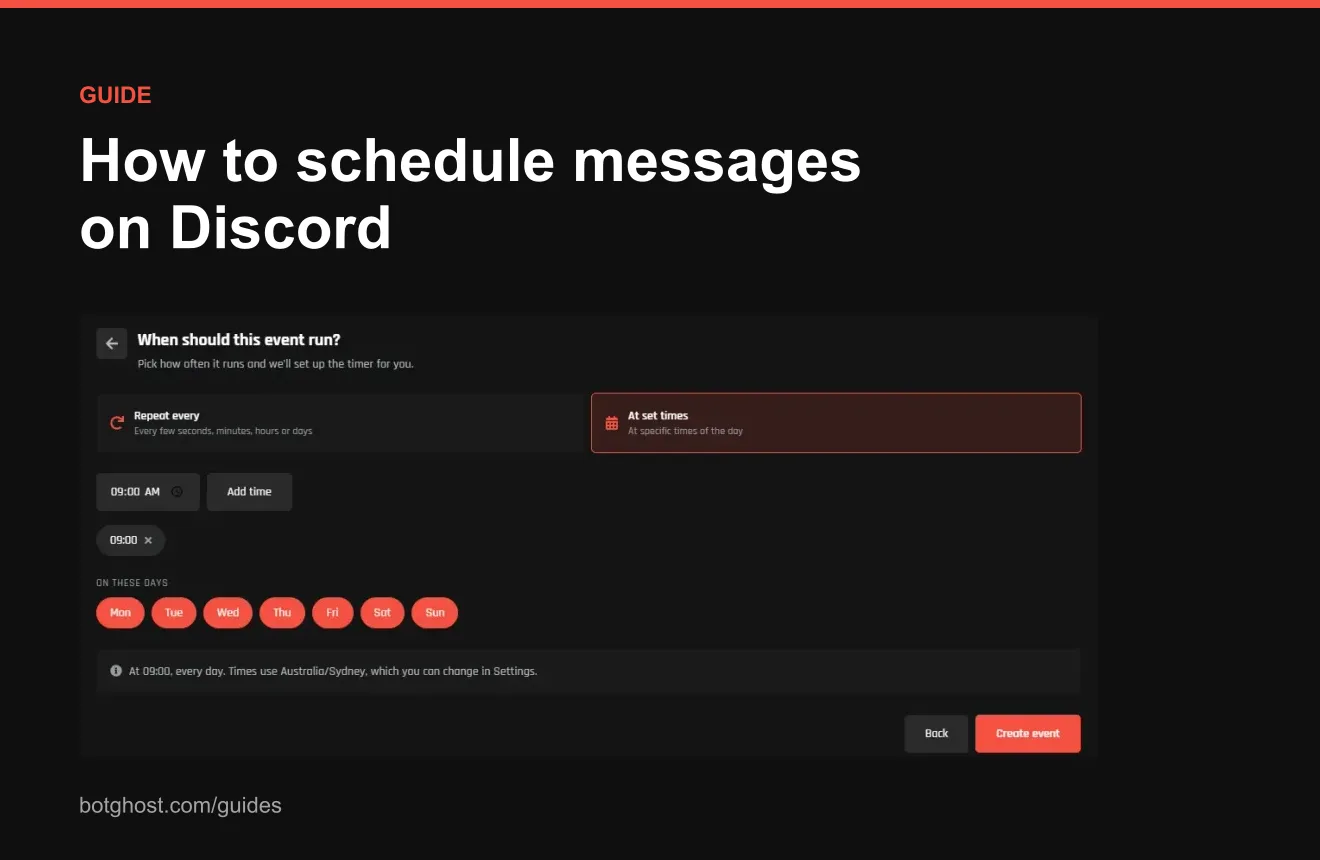
How to schedule messages on Discord
What Discord's scheduled messages beta does, and how to post on a schedule with a bot: daily, weekly, or at set times.8 minute readUpdated 8 November 2026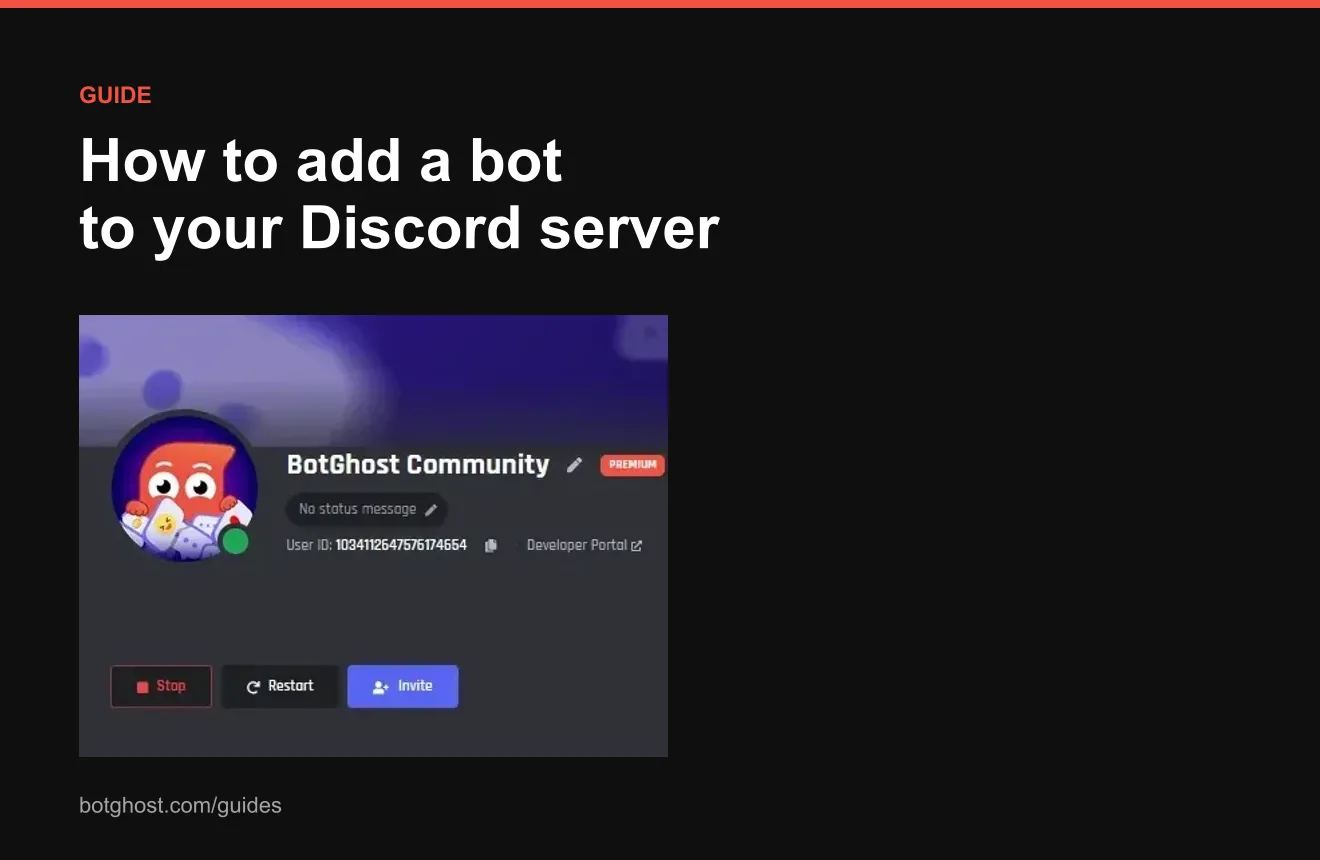
How to add a bot to your Discord server
Add any bot to your server on desktop or mobile, pick the right permissions, and fix a server that will not show up.6 minute readUpdated 8 November 2026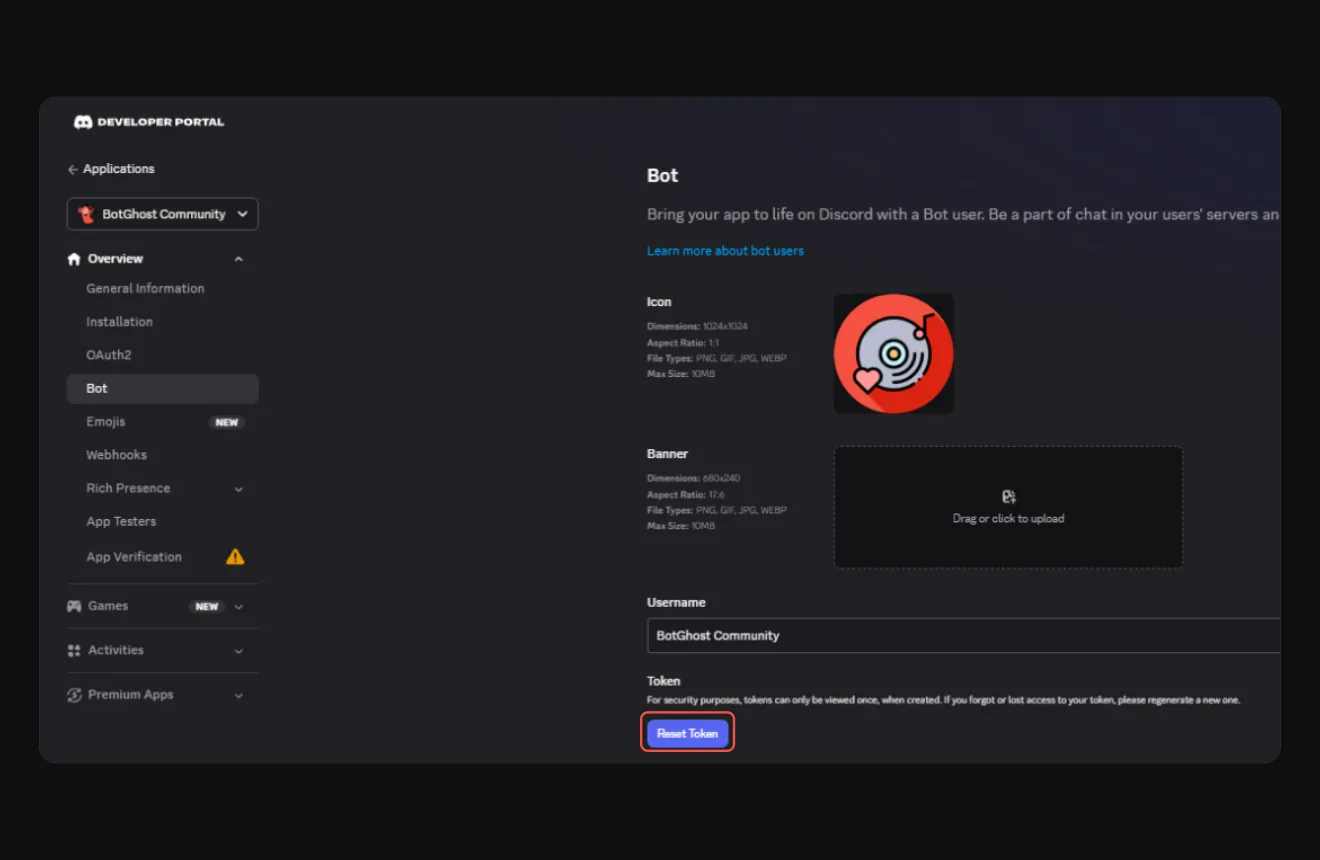
How to get a Discord bot token
Find the token on the Bot page, copy it before Discord hides it, keep it secret, and fix one that will not work.5 minute readUpdated 9 November 2026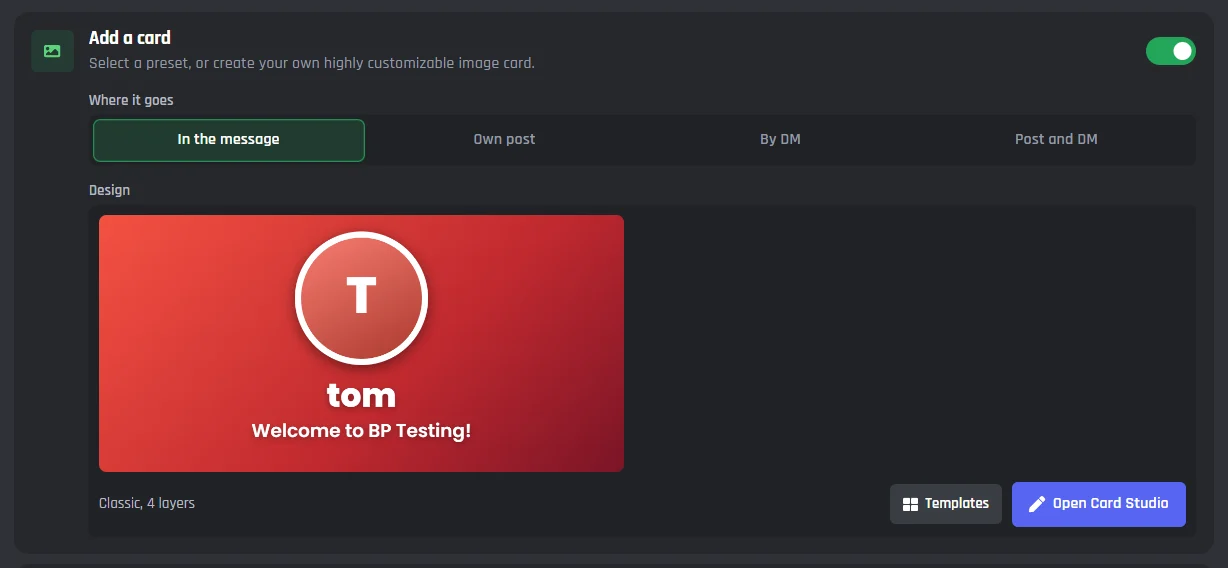
How to make a welcome channel on Discord
Make the channel, keep it read only, and greet new members with your own message and card.5 minute readUpdated 10 November 2026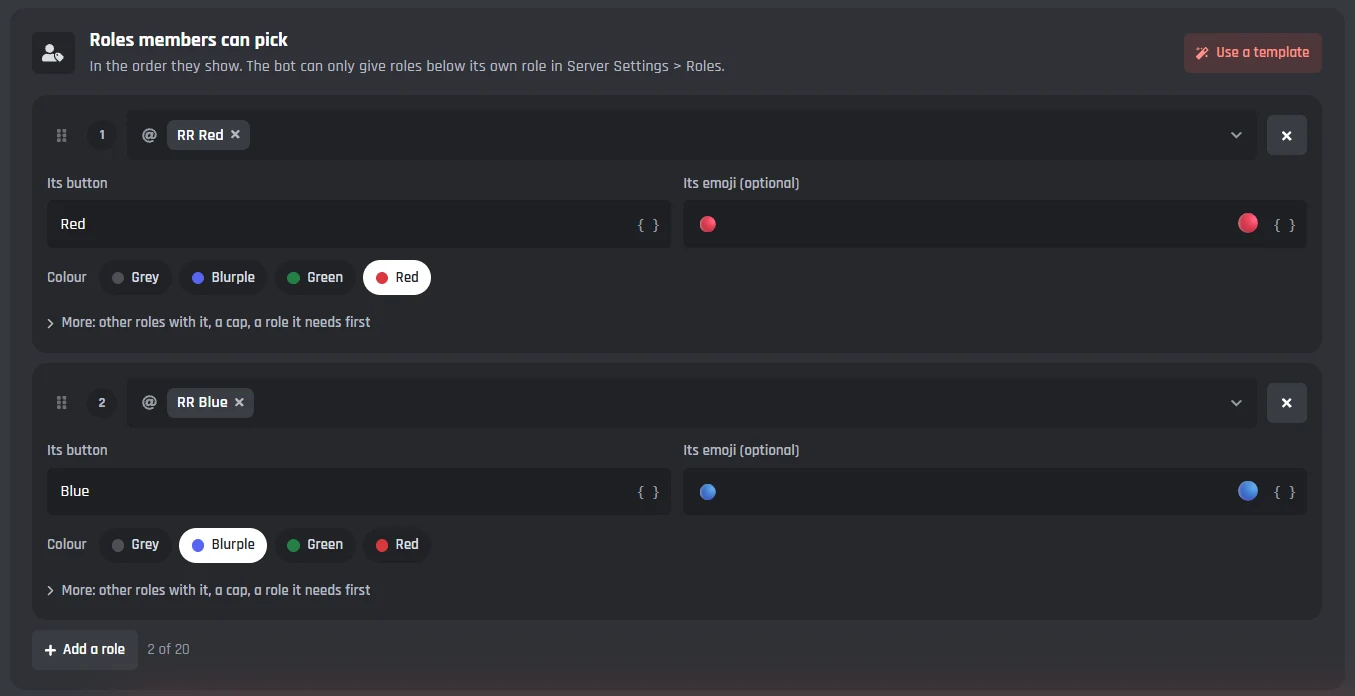
How to add roles in Discord
Make a role, hand it out, fix the order, and let members pick their own roles from a menu.7 minute readUpdated 11 November 2026For help with a single block or module, the docs cover each one click by click.
