Make your own Discord music bot
Your bot joins your voice channel and plays Spotify, Apple Music, SoundCloud, and Deezer links, or any song name you type. Switch on the Music module for 18 ready-made /music commands, or make your own with music blocks. You set it up in BotGhost, the no-code Discord bot maker, and we host the bot.
PremiumMusic needs Premium on the bot, which is $12.50 a month. Making the bot is free.
Play Spotify, Apple Music, SoundCloud, and Deezer links
Members paste a link or type a song's name. The bot takes these links:
- Spotify Song, album, and playlist links. A song name you type is searched on Spotify too.
- Apple Music Song, album, and playlist links from music.apple.com.
- SoundCloud Track and playlist links.
- Deezer Track, album, and playlist links.
- A playlist or album link adds up to 250 songs. You can set a lower limit.
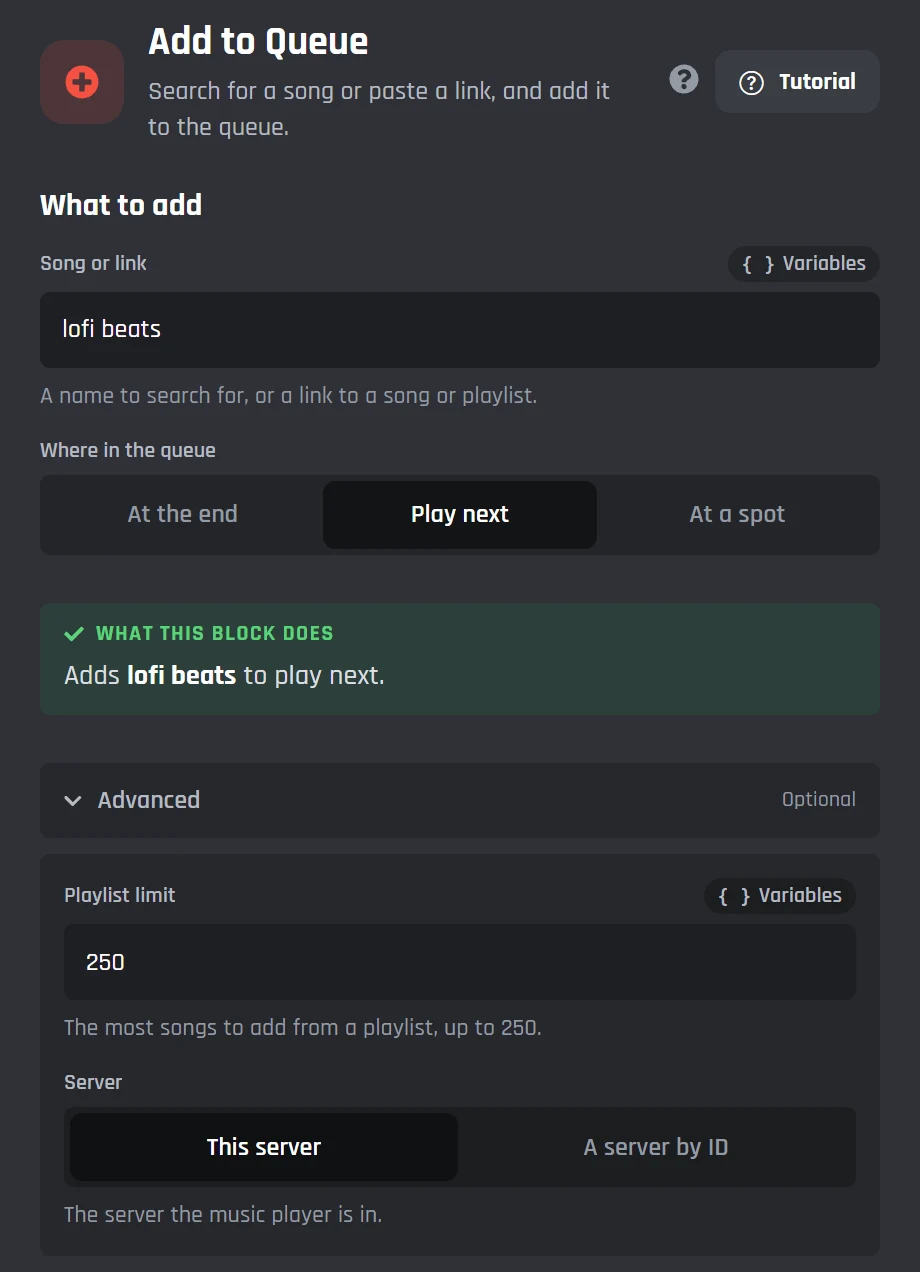
- New songs go to the end of the queue, play next, or go in at a spot you pick.
- Add the Music Smart Search option to a command and Discord suggests up to 10 songs while members type.
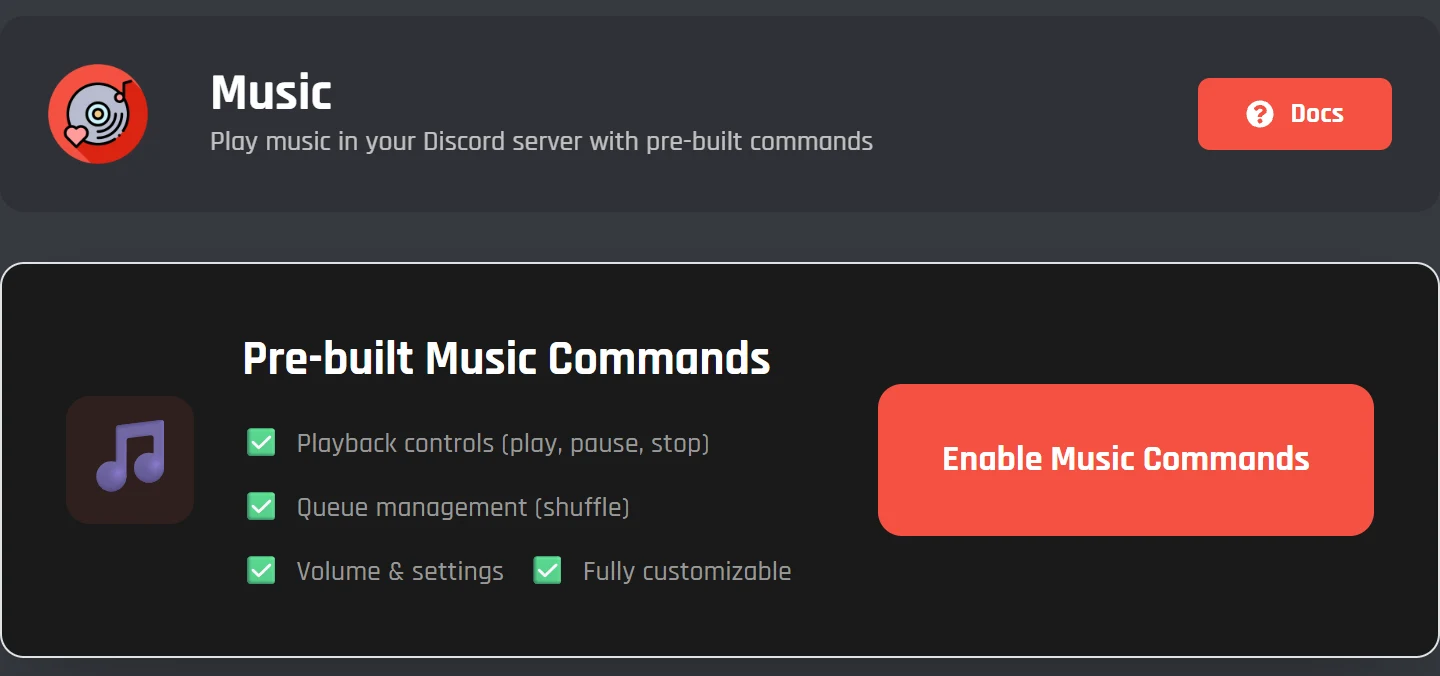
The Music module and its 18 /music commands
Open Music in the dashboard and press Enable Music Commands. Your bot gets these straight away, and each one has its own on and off switch.
Playing
- 01
/music playPlays a song, an album, or a playlist from a name or a link - 02
/music pausePauses the song - 03
/music resumeCarries on after a pause - 04
/music skipSkips to the next song - 05
/music replayStarts the song again from the beginning - 06
/music seekJumps to a time in the song - 07
/music stopStops the music and clears the queue
The queue
- 08
/music queueLists the queue and what's playing - 09
/music trackShows the song playing now, with its progress and album art - 10
/music removeTakes a song out of the queue by its number - 11
/music shuffleMixes up the order of the queue - 12
/music loopRepeats the song or the whole queue
Settings
- 13
/music set-volumeTurns the volume up or down - 14
/music apply-filterAdds a filter like bass boost or nightcore - 15
/music clear-filtersTakes every filter off - 16
/music set-autoleavePicks whether the bot leaves when the queue ends - 17
/music set-autoplayTurns autoplay on or off - 18
/music disconnectMakes the bot leave the voice channel
The module adds two events as well. When a song starts, the bot sets the voice channel's status to that song, and it clears it again when the song ends.
Every command is a normal command made of blocks. Press Edit to change its replies in the builder, or Reset Commands to put them all back.
The Music module in the docsBuild your own music commands from 19 blocks
The Music Actions blocks are in the Discord bot command builder, next to every other block. That means a music command can check a member's roles, read what they typed, or post buttons, the same as any command you make.
- 1Create Music Player joins the member's voice channel, or one you choose, and can set the starting volume and loop.
- 2Add to Queue takes a song name or a link.
- 3Play Queue starts the music.
After that, there are blocks to skip to any spot in the queue, go back a song, seek, loop, shuffle, change the volume, or search for songs without queueing them.
Every music block in the docs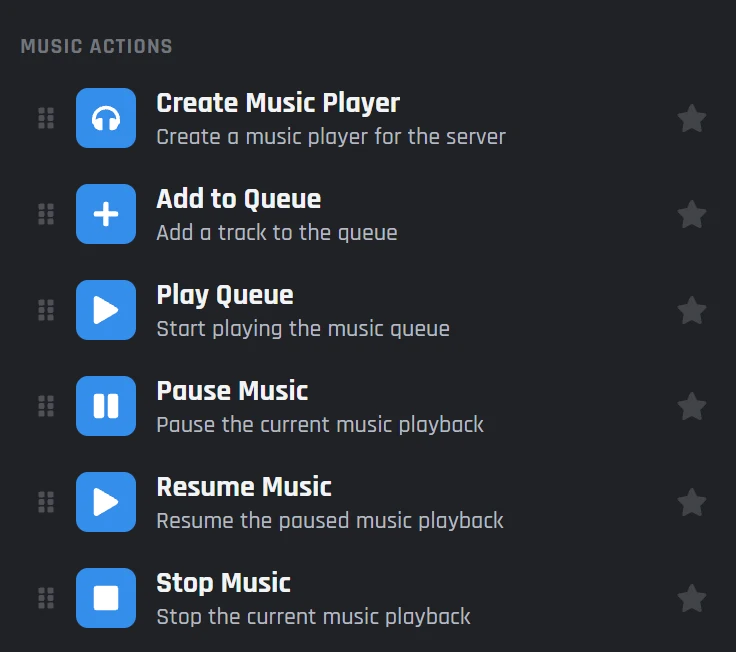
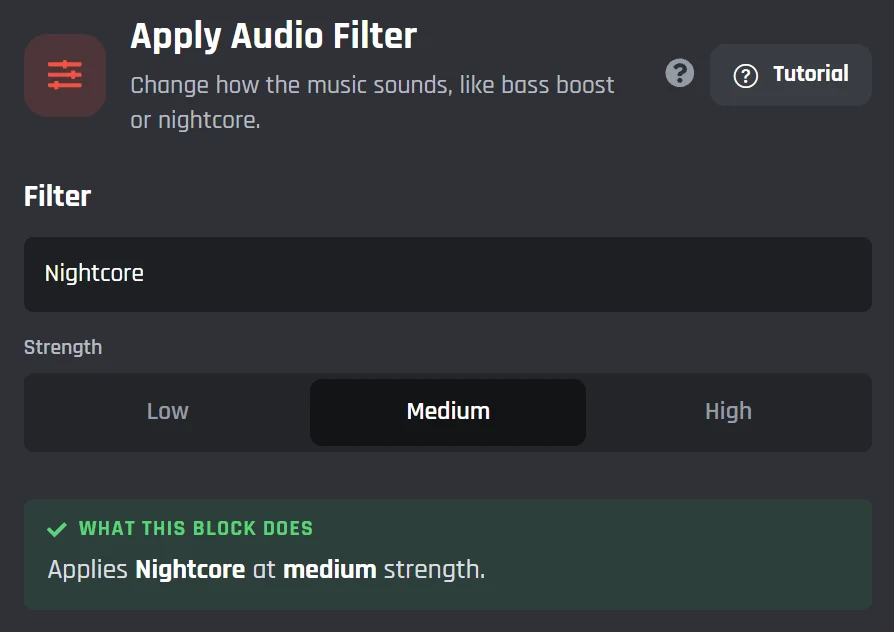
Audio filters like bass boost, nightcore, and 8D
Use /music apply-filter, or the Apply Audio Filter block in your own commands, to change how the music sounds. Bass Boost comes in low, medium, and high. Clear Filters takes them all off again.
- Bass Boost
- Treble Boost
- Nightcore
- Vaporwave
- Daycore
- Slow Motion
- Chipmunk
- 8D Audio
- Karaoke
- Low Pass
- Distortion
- Tremolo
- Vibrato
- Channel Mix / Stereo
- Soft / Ear Protection
- Custom Pitch
- Custom Speed
- Custom Equalizer
The custom ones take your own numbers: a pitch, a speed, or a level for each of the equalizer's 15 bands, from 25 Hz to 16 kHz.
Music events and now playing messages
The builder has 33 music events, so your bot can post a message when a song starts, when the queue runs out, or when someone changes the volume. Music variables put the song, the artist, and the queue into that message.
 BotGhost Community APP Today at 20:14Now playing Midnight Drive by Aurora Fields (3:41). Up next: Late Bloom, with 4 songs in the queue.
- When a track starts playing
- When a track finishes playing
- When the queue finishes playing
- When a track is added to the queue
- When player volume is changed
- When bot disconnects from voice channel
Make a now playing card with the queue
Put music variables into a Send or Edit a Message block and the bot fills them in each time it runs. Use them in a command of your own, or in one of the /music commands after pressing Edit. The bot builds this card from these variables:
{music_current_track_title}the song playing now{music_current_track_author}its artist{music_position_formatted_with_duration}how far in it is, like 1:12/3:41{music_loop_mode_text}Off, Track, or Queue{music_queue_formatted_list}a numbered list of what’s next, with each length{music_queue_length}how many songs are waiting{music_queue_total_duration_formatted}how long they all last
BotGhost Community APP Today at 20:16Discord music bot questions
Still stuck? Ask in the BotGhost Discord, or read the docs for the Music module and the music blocks.
Create a bot on BotGhost and invite it to your server. Put Premium on it, open Music in the dashboard, and press Enable Music Commands. Then join a voice channel and type /music play with a song name or a link.
Read the Music module docsNo, music needs Premium. That covers the Music module, the music blocks, and the music events. Making the bot is free, and so is everything else on the free plan, so you can set the rest of your server up first.
Compare Free and PremiumSpotify, Apple Music, SoundCloud, and Deezer. Paste a song, album, or playlist link, or type a song name and the bot searches Spotify for it. A playlist link adds up to 250 songs.
See what each service acceptsYes. Open the command in the builder and set its Allowed roles to your DJ role. The /music commands work the same way, because each one is a normal command you can edit.
About the command builderYes. Press Edit next to any /music command on the Music page and it opens in the builder, where you can change the replies or add blocks. Reset Commands puts them all back the way they came.
See the Music moduleBass Boost (low, medium, or high), Treble Boost, Nightcore, Vaporwave, Daycore, Slow Motion, Chipmunk, 8D Audio, Karaoke, Low Pass, Distortion, Tremolo, Vibrato, Channel Mix, and Soft. You can also set your own pitch, speed, or equalizer.
See the audio filtersYes. Turn AutoLeave off with /music set-autoleave, or the Set AutoLeave block in your own command, and the bot stays in the channel when the queue runs out. With AutoLeave on, it leaves.
Read the music block docsYes. It's your own Discord bot, so people see the name and avatar you gave it in the voice channel. It's only in servers you invite it to.
Make a custom Discord botRelated pages
Other things your music bot can do, and how BotGhost runs it.
Make your Discord music bot
Create the bot for free and invite it to your server. Add Premium when you're ready to switch the music on.
Create your bot for free