Mobile Application
Would you like to use BotGhost via an app? We offer you way to use BotGhost through an iOS app or icon on your home screen.
You can download the BotGhost App for free on the iOS App Store, or on Android through a Progressive Web App.
You don't need to install this to use BotGhost, it's completely optional!
Below you can see how to install it on iOS or Android device.
iOS App
Please note that the native BotGhost app is not available for Android devices.
The BotGhost app is available on the native iOS App Store to download for free.
- 1
Go to the BotGhost app on the App Store.
- 2
Press the "Get" button.
.png)
- 3
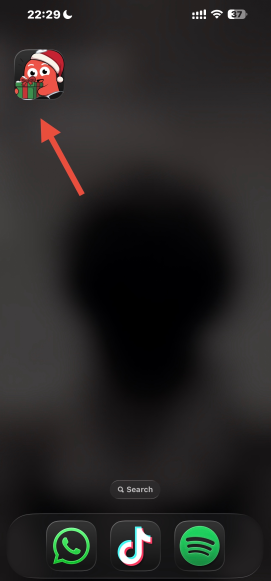
You can now access the BotGhost dashboard directly from your home screen!.
Android Devices App
- 1
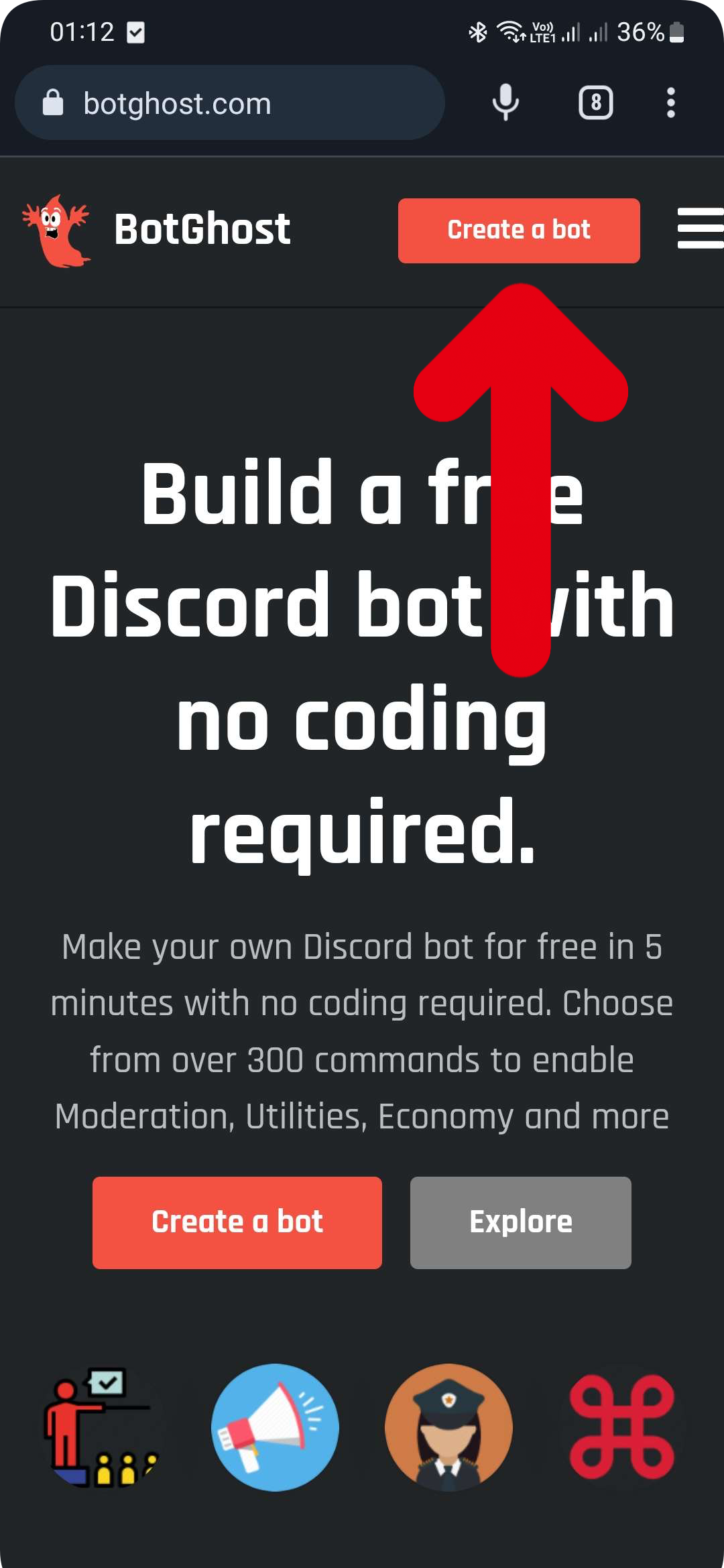
Go to the BotGhost website and click on 'Create Bot' to log in.
- 2
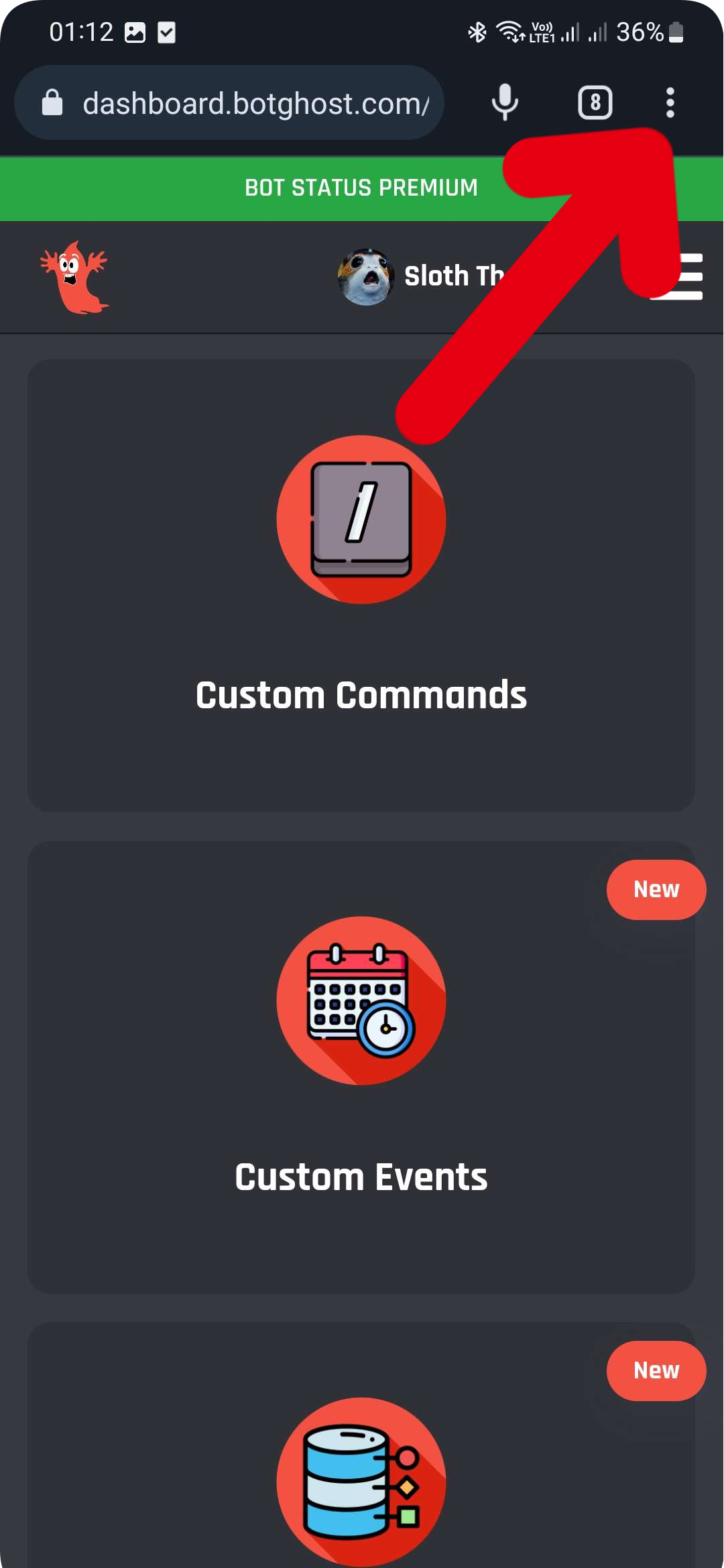
Click on the three dots at the top right corner of your screen.
- 3
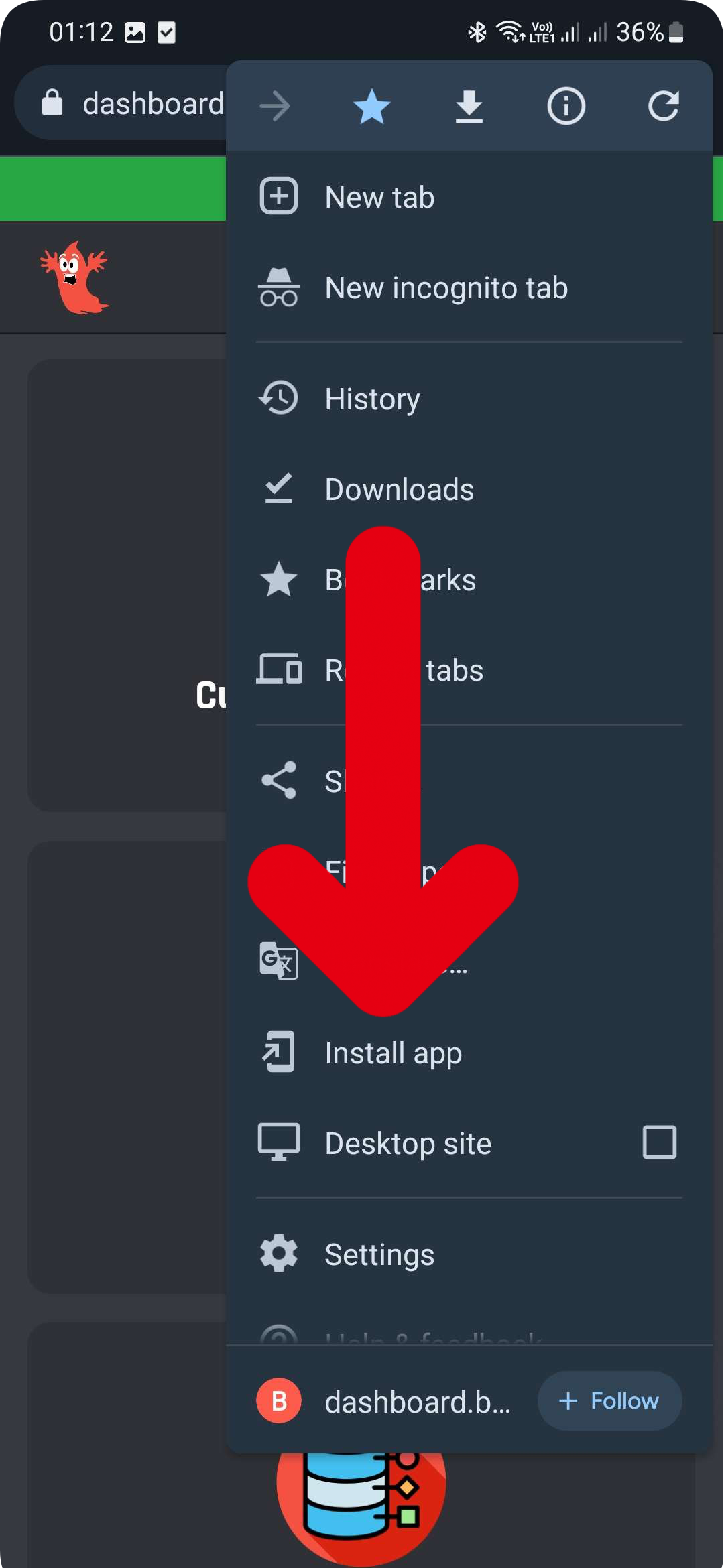
Click on 'Install App'.
- 4
Click on 'Install' again to confirm.
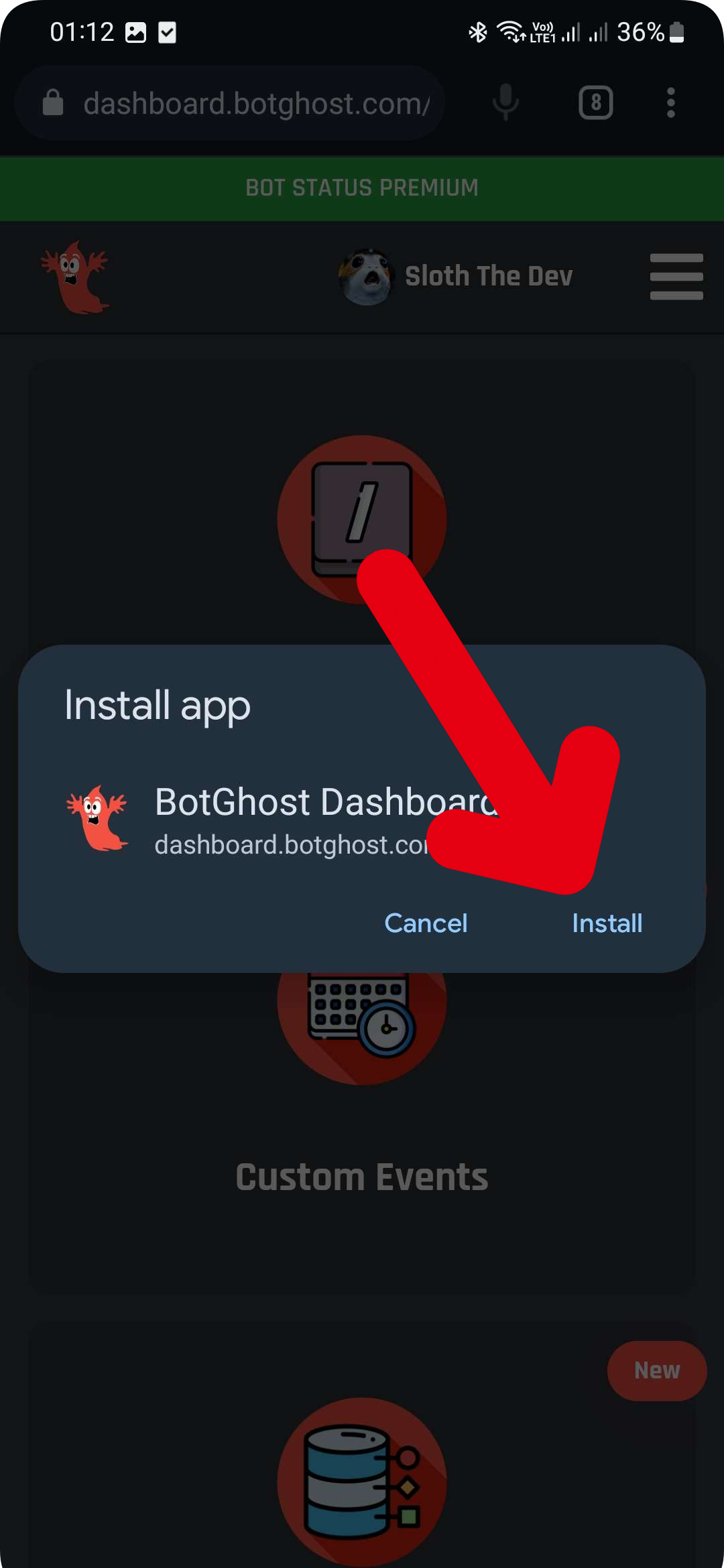
- 5
You can now use the app via your home screen or app selector!