Set a unique variable

The Set a unique variable action block will allow you to create and store data for the commands execution, upon finishing the command cycle, the variable and all data stored inside will be deleted. This can be incredibly useful for storing IDs and using them after another button / menu option.
Unique variables are interaction specific and not command / event specific. This means that if you update the value of a unique variable after a button press, that value will be reflected only for actions below that set unique variable block. This means that when the button is clicked again, the previous value will be used as the starting value.
This behaviour, for example, makes it impossible to count button clicks with unique variables. Instead, you may use Data Storage Variables.
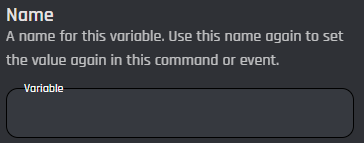
Name
This field is the name of the unique variable that you will be setting. It is highly recommended that you do not name the variable similar to a basic or existing variable such as {user_id}, as it could lead to bugs / errors.
Value
The Value field is where you will store any value you wish for the commands execution. The value will be stored for the duration of the command and can be referenced in any block underneath the unique variable block. Variables can be used.
.png)