Autoresponder
Automatically send a reply to server messages, based on keywords!
.png)
The Autoresponder module will allow you to set keywords that will trigger a response from the bot. This can be from a simple "hello" to a whole sentence under the settings you select.
Settings
Autoresponder Setup
Customize the autoresponder in it's entirety and modify certain aspects or nothing at all. Click on the add button at the bottom right to add the autoresponder to the active list.
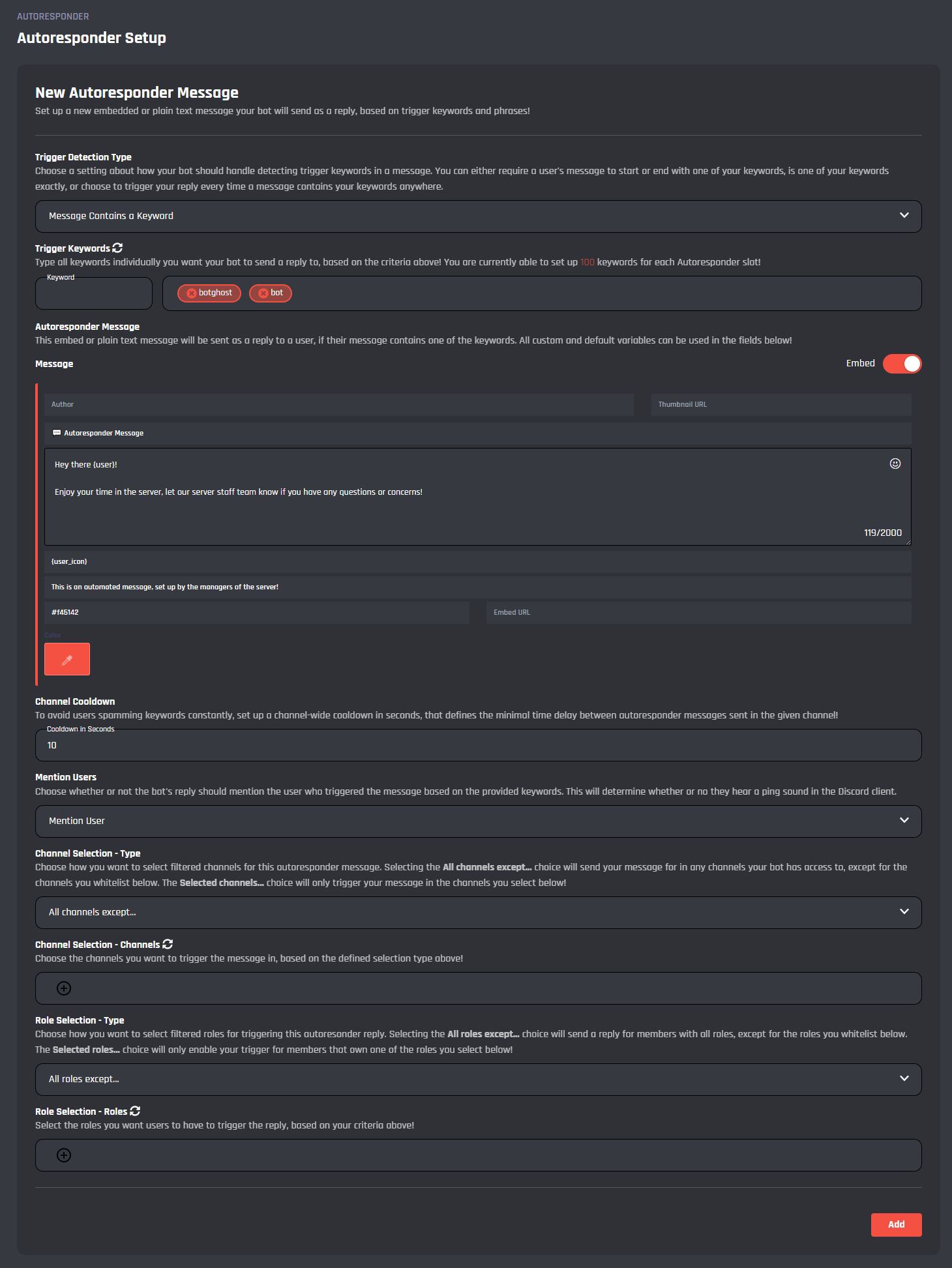
Trigger Detection Type
Define how the bot should handle the trigger keywords, whether the message contains, is equal to, starts with, or ends with a keyword.
Trigger Keywords
Set the keywords that will trigger the autoresponder. Currently, up to 100 keywords for each active autoresponder.
To add the keyword, you may press 'Enter' in your keyboard. Added keywords will appear on the right.
Message
Configure the message content and type, whether you wish to send an embed or plain text. All variables can be used.
Channel Cooldown
In this field you can input the channel cooldown in seconds between autoresponders.
Mention Users
With this selection you can choose whether you to mention the user triggering the keyword or not.
Channel Selection - Type
This section is where you can choose whether to enable all channels except those whitelisted, or the selected channels that can trigger the autoresponder.
Channel Selection - Channels
Based off Channel Selection - Type, you can choose channels that will either block or allow the autoresponder to trigger.
Role Selection - Type
In this field you can choose whether to enable all roles except those whitelisted, or the selected roles.
Role Selection - Roles
Based off Role Selection - Type, you can choose roles that will either block or allow the autoresponder to trigger.
To save the autoresponder's settings, you need to click "Add" in the bottom-right corner of the settings. This will reset the fields so you can set up another autoresponder.
Active Responders
These are the active autoresponders that will trigger based off many factors such as roles, channels and keywords. The current maximum is 100 for premium users. Once opened, at the bottom right you can edit / delete the auto responder.
To save the edits you made on the autoresponder's settings, you need to click "Edit" in the bottom-right corner of the settings.

Potential active responders of the Autoresponder module
Events
In this area, you can view and modify the events of the Autoresponder module. Below you may find some information on each event of the module. All Autoresponders will be ordered by the number in which they were created.
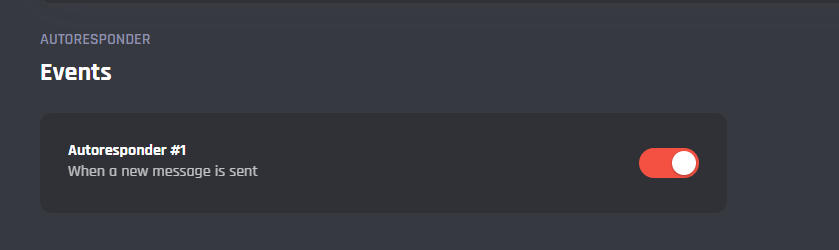
Potential Custom Events of the Autoresponder module
Autoresponder #...
Once a autoresponder is added, it's corresponding event will be added as an event. These events control how the autoresponder functions based off the settings you chose and send the message to the channel.
It's advised that you do not edit the commands and events unless you have a good understanding of BotGhost and its Command Builder. If you encounter any issues, you might want to reset the module for it to work again as intended.
Additionally, a copy of the edited commands / events will be created if you update the module.