Counting
Setup a counting mini-game and count with your server.
.png)
This module requires a Premium Subscription to function.
The Counting module allows your server members to engage in a fun counting activity, see how high you can go with this unlimited counting module!
Settings
General Settings
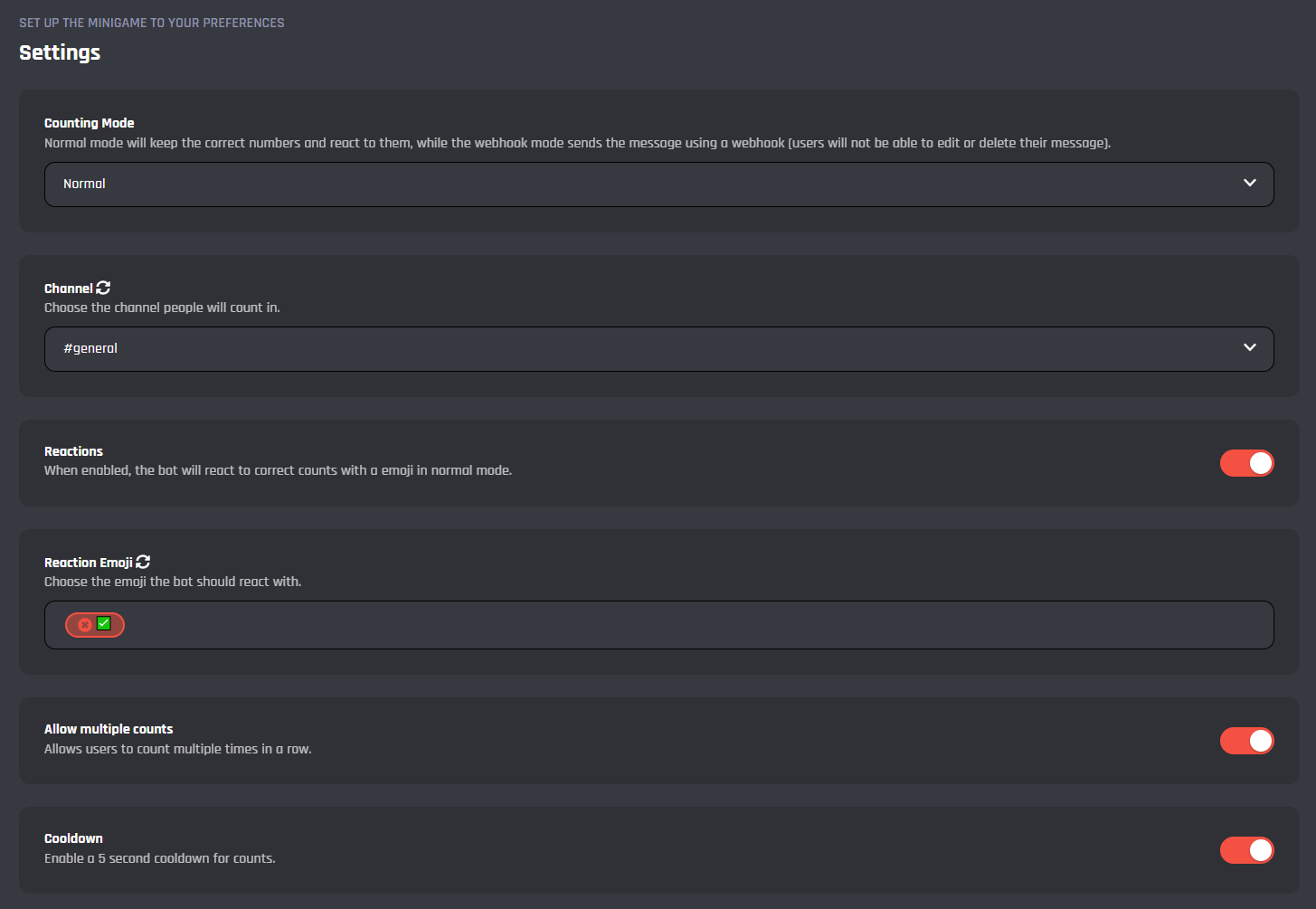
Here you can configure the main settings for the counting module, from setting the counting channel to changing the counting mode.
Counting Mode
Here you can change the mode of the counting which will adjust the behavior of the bot in the counting channel.
| Mode | Details |
|---|---|
| Normal | This mode will simply add a reaction to the users message if they send the correct number to the channel. |
| Webhook | This mode will delete the users message and repost it in a webhook format to make it appear as though a bot version of the user sent it if the count is correct. |
Channel
Here you can select the channel you want the counting event to work in, channels not selected here will not trigger the counting module.
Reactions
If this toggle is enabled, and if Counting Mode is set to 'Normal', then the bot will add a reaction to the correct number.
Reaction Emoji
If Reactions is enabled, then you can add the reaction that you want the bot to add to the messages.
Allow Multiple Counts
If this toggle is enabled, users will be able to count more than once in a row.
Cooldown
Here you can enable / disable a 5 second channel wide cooldown which will prevent users from sending another count for 5 seconds after one has just been sent.
Error Settings
Here you can configure the error settings for the counting module.
.png)
Return Errors
If this toggle is enabled, all errors described in the settings below will be active.
Error Message For Wrong Count
If Return Errors is enabled, you can set the message that will be displayed to user for sending the wrong count to the channel. Variables can be used.
Error Message For Counting Twice
If Return Errors is enabled and if Allow Multiple Counts is also disabled, you can set the message that will be displayed to user for sending 2 or more counts without waiting for another user to count.
Error Message For The Cooldown
If Return Errors is enabled, you can set the message that will be displayed to the user if they try to count during the 5 second cooldown if Cooldown is enabled.
Commands
In this area, you can view and modify the commands of the Counting module. Below you may find some information on each command of the module.
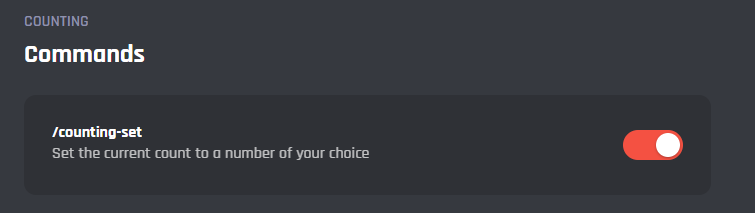
/counting-set
This command allows you to set the current count of the module to any new number.
Events
In this area, you can view and modify the events of the Counting module. Below you may find some information on each event of the module.
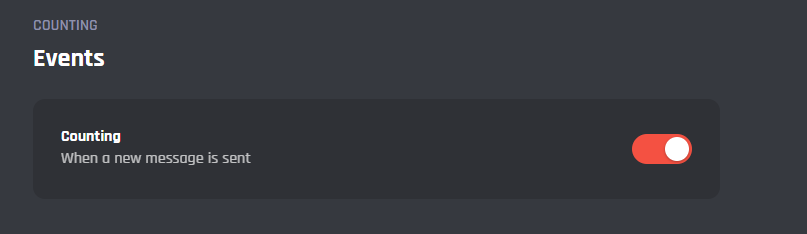
Counting
This event handles all the module functions such as the errors, tracking the number, and all other settings.
It's advised that you do not edit the commands and events unless you have a good understanding of BotGhost and its Command Builder. If you encounter any issues, you might want to reset the module for it to work again as intended.
Additionally, a copy of the edited commands / events will be created if you update the module.