# Timeout a member

This action can be used to timeout a member from a server that the bot has access to.

## User ID

The user to be timeouted can be selected in the user field. This can be done by **user id**, **user option** or **variable**.

<figure><img src="https://1937909199-files.gitbook.io/~/files/v0/b/gitbook-x-prod.appspot.com/o/spaces%2F-Lm_hW5MApY3J0lRhi0M%2Fuploads%2Fz5lwzXu3FLdR4Xc8xidR%2FBildschirm%C2%ADfoto%202023-02-09%20um%2012.41.29.png?alt=media&#x26;token=341e91b3-737f-42e8-929f-e8dfb2effe7e" alt=""><figcaption></figcaption></figure>

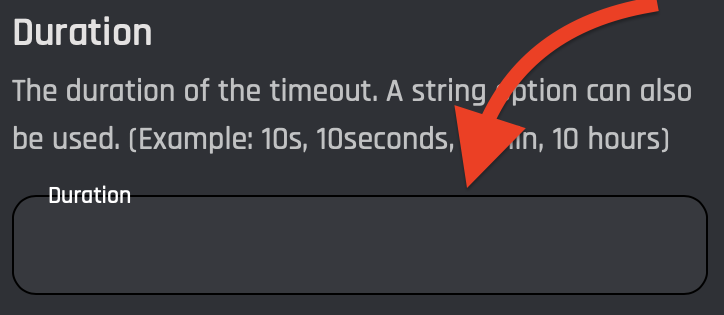
## Duration

The timeout duration can be selected in this field. Variables or strings can also be used.

<figure><img src="https://1937909199-files.gitbook.io/~/files/v0/b/gitbook-x-prod.appspot.com/o/spaces%2F-Lm_hW5MApY3J0lRhi0M%2Fuploads%2Fg4hpzyluScspizceavHH%2FBildschirm%C2%ADfoto%202023-02-09%20um%2012.42.04.png?alt=media&#x26;token=8d2aab8e-15af-47ea-8747-78a0935b9e34" alt=""><figcaption></figcaption></figure>

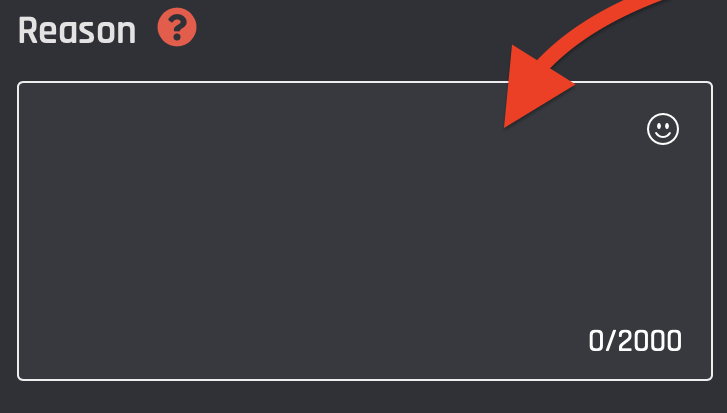
## Reason

The reason for timeouting can be selected in the "Reason" field. (Able to contain variables)

<figure><img src="https://1937909199-files.gitbook.io/~/files/v0/b/gitbook-x-prod.appspot.com/o/spaces%2F-Lm_hW5MApY3J0lRhi0M%2Fuploads%2F7pPezmu8TTLsPWSwJbDz%2FBildschirm%C2%ADfoto%202023-02-09%20um%2012.42.30.png?alt=media&#x26;token=f1c397c3-1730-4106-9367-c865435e80ae" alt=""><figcaption></figcaption></figure>