Sticky Messages
Highlight important server messages at the bottom of the channel and keep your members updated.
.png)
This module requires a Premium Subscription to function.
The Sticky Messages module allows you to send a message to a channel of your choice after a number of messages. This is great for highlighting important information or adding frequent reminders!
Settings
Setup
Here you can configure all the settings for the sticky messages module from changing the actual message, the frequency and more.
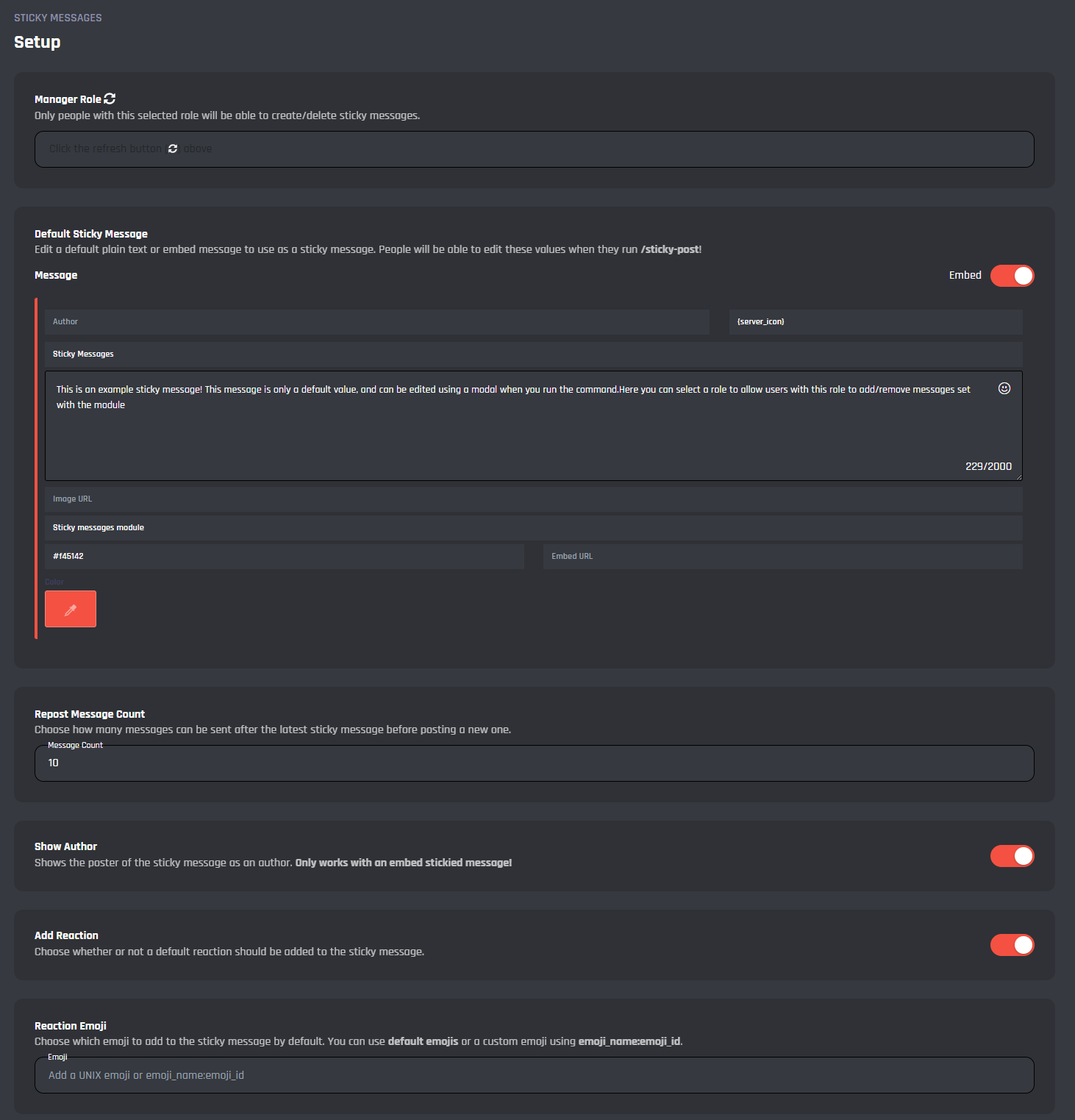
Manager Role
In this dropdown, you can select a role to allow users with this role to add / remove messages set with the module.
Default Sticky Message
This field is where you can change the default message that's sent to the channel after a number of messages as defined in the module settings below.
Repost Message Count
In this field you can change how frequent the message is sent. The number that's input is the basis for how many messages until the sticky message is sent. The default value for this is set to 10 and the field only accepts integers.
Show Author
This toggle allows you to enable / disable the ability to show the sticky message author in the embed message. The author is the user who originally posted the sticky message and only works in embeds.
Add Reactions
With this toggle, you can enable / disable the option for the bot to add a specified or default reaction to the sticky message when it is sent.
Reaction Emoji
In this section, you can set the emoji that is added as a reaction to the sticky message, if the above toggle is enabled. You can use both custom emoji's or basic discord emoji's for this. You can find a guide here on how to get the ID and name of a custom emoji.
Commands
This area is where you can enable / disable the sticky post command as well as configure the command.
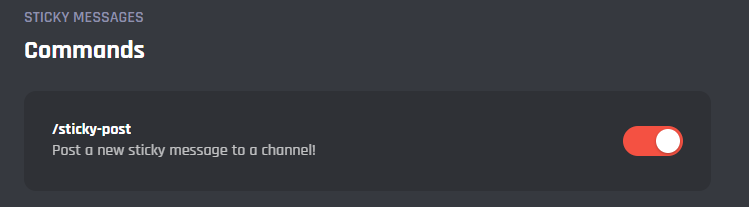
/sticky-post
When triggered this command will allow you to send a new sticky message to any channel you select from the command option.
.png)
Events
In this area, you can view and modify the commands of the Sticky Messages module. Below you may find some information on each command of the module.
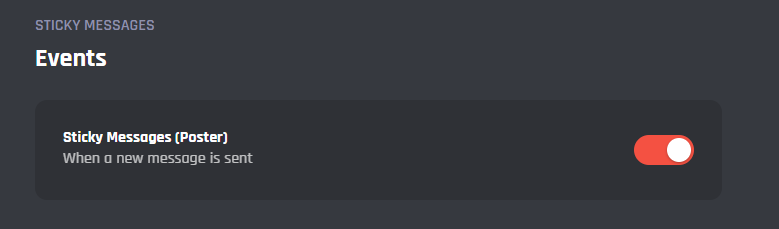
Sticky Messages (Poster)
This event will count the messages in the channels and send the designated sticky message when it reaches the defined message count as set in the settings above.
It's advised that you do not edit the commands and events unless you have a good understanding of BotGhost and its Command Builder. If you encounter any issues, you might want to reset the module for it to work again as intended.
Additionally, a copy of the edited commands / events will be created if you update the module.