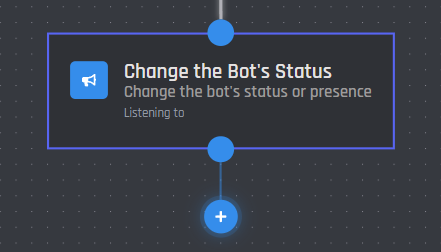
Change the Bot's Status
| Type | Image |
|---|---|
| Listening |  |
| Playing |  |
| Watching |  |
Online presence
The bot's presence can be changed here. Free for all users.
| Presence | How It Looks |
|---|---|
| Online |  |
| Idle |  |
| Do Not Disturb |  |
| Invisible |  |
Invisible makes your bot look offline in Discord, even though it is running and commands still work.
Status text
Only premium users can change their bot's status!
Clear the status text

Selecting this toggle will clear the bot's status and only change the selected online presence.
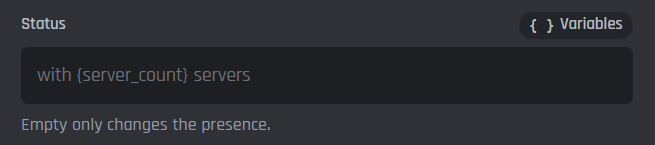
Status field
This is where you can enter a new status for your bot. Leaving this field empty will keep the existing status and only change the online presence.
Shown as
This allows you to choose the status type. The table below shows examples of status types.
| Status Type | Example |
|---|---|
| Listening to | 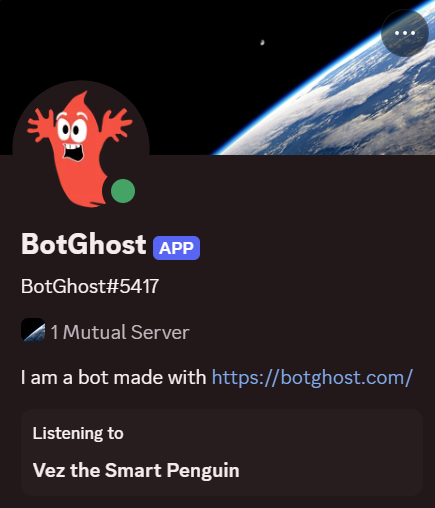 |
| Playing | 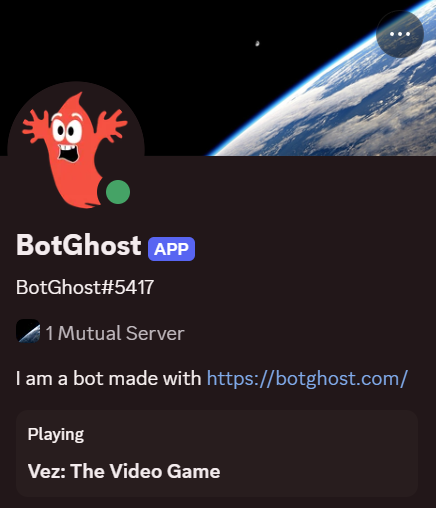 |
| Watching | 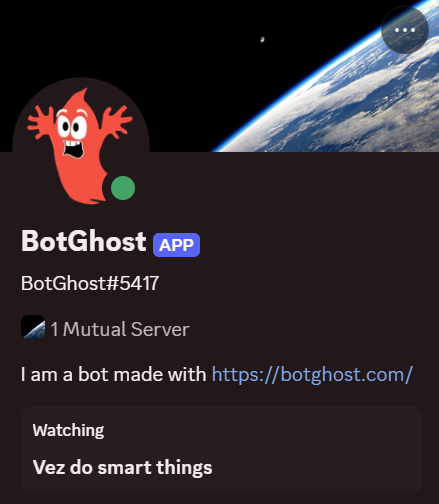 |
| Streaming | 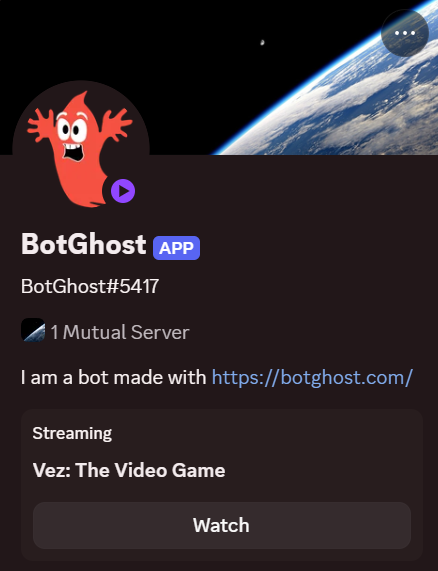 |
| Competing in | 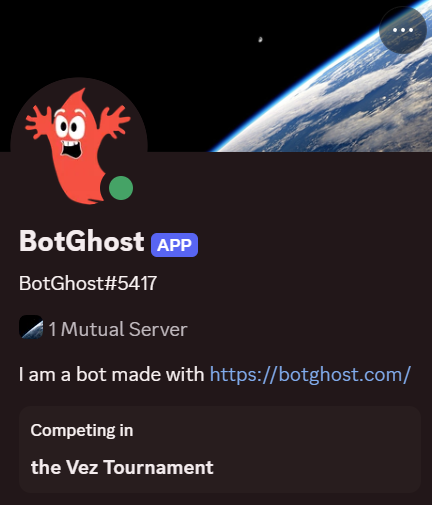 |
| Custom | 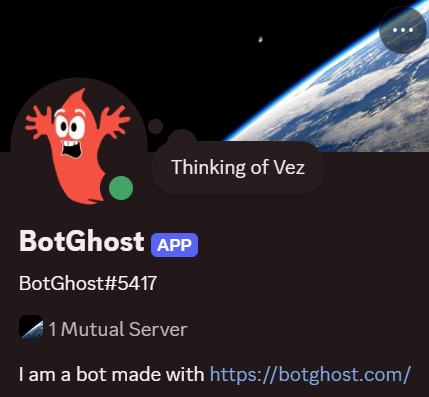 |
If using the Streaming Status Type, you must input a twitch.tv or youtube.com link, or the bot will revert to the Playing status.
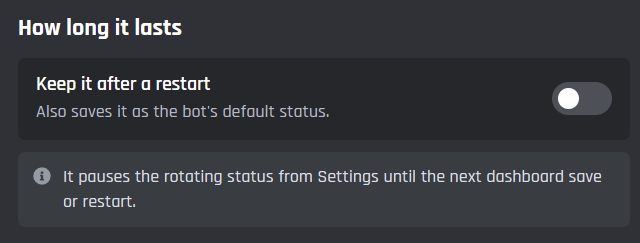
Keep it after a restart
This toggle will ensure the updated status survives a bot restart. If toggled off, the bot will revert to its status defined by the status module.