Set Volume
This action requires a Premium Subscription to function.
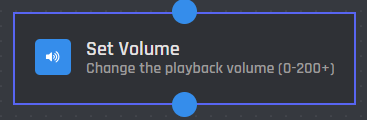
The Set Volume action changes the playback volume of the music player.
Server
This setting selects which server the action applies to. You have two options to choose from:
.png)
When you choose the Current Server option, the volume will be adjusted on the server where the command is executed.
.png)
When you select the Server ID option, the volume will be adjusted in the server matching the provided ID.
Server ID
In this field, you can enter the ID of the server where you want the volume to be changed. Variables can be used in this field.
Volume
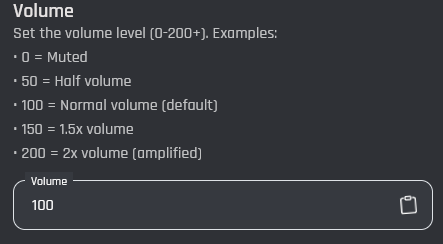
The Volume setting lets you choose the playback volume for the music player.
You can set any value from 0 to over 200, depending on how loud you want the audio to be.