Set AutoLeave
This action requires a Premium Subscription to function.
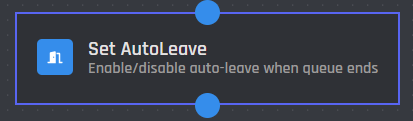
The Set AutoLeave action enables or disables the bot’s automatic disconnection from the voice channel when the music queue ends.
Server
This setting selects which server the action applies to. You have two options to choose from:
.png)
When you choose the Current Server option, the AutoLeave setting will be applied to the server where the command is executed.
.png)
When you select the Server ID option, the AutoLeave setting will be applied to the server matching the provided ID.
Server ID
In this field, you can enter the ID of the server where you want the AutoLeave setting to be applied. Variables can be used in this field.
AutoLeave Status
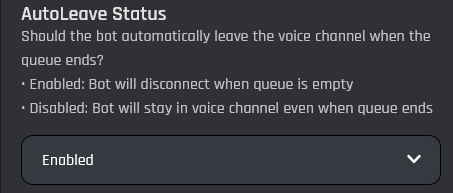
In this option you can choose whether the bot should automatically leave the voice channel when the music queue ends. If set to Enabled, the bot will disconnect once there are no tracks left to play. If set to Disabled, the bot will remain in the voice channel even after the queue is empty.