Remove from Queue
This action requires a Premium Subscription to function.
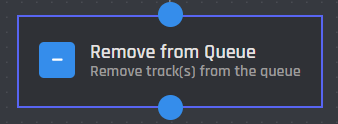
The Remove from Queue action removes track(s) from the music queue.
Server
This setting selects which server the action applies to. You have two options to choose from:
.png)
When you choose the Current Server option, the Remove From Queue action will be applied to the server where the command is executed.
.png)
When you select the Server ID option, the action will be applied to the server matching the provided ID.
Server ID
In this field, you can enter the ID of the server where you want the track to be removed from the queue. Variables can be used in this field.
Remove Mode
This setting lets you choose how tracks should be removed from the music queue. You have three options to select from:
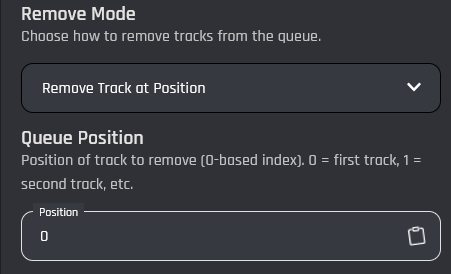
Removes a single track from the queue based on its position.
Queue Position
Use the Queue Position field to specify which track should be removed. Position values start at 0, where 0 is the first track and 1 is the second track.
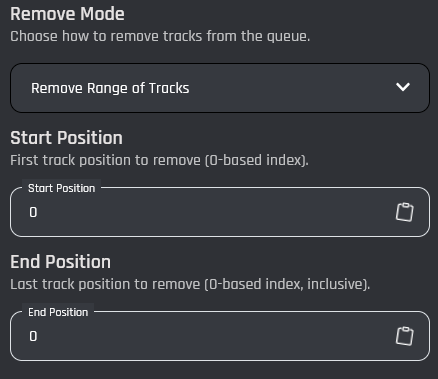
Removes multiple tracks at once by specifying a start and end position.
Start Position
The position of the first track to remove, included.
End Position
The position of the last track to remove, included.
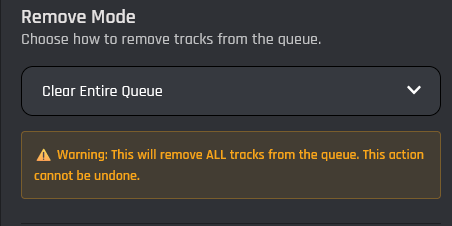
Removes all tracks from the queue.